

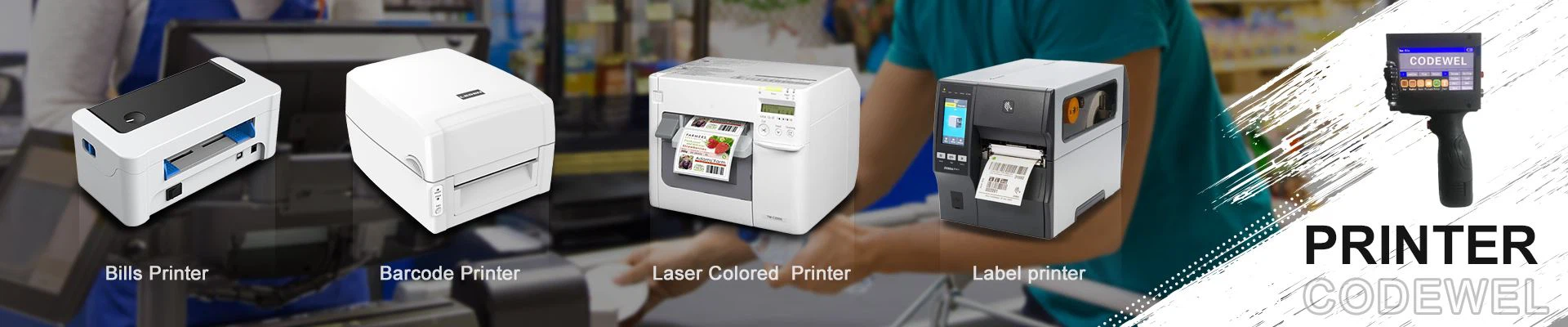




Thermal Transfer Printer For Shipping Bill MD402
products : Desktop thermal transfer printer
usage :shipping labels
interfact :usb or bluetooth
Thermal Transfer Printer For Shipping Bill MD402
Project | Parameter | |
Printing | Printing mode | Thermal |
Resolution | 203DPI(8 Dot/mm) | |
Print width | 40-80mm | |
Print length | 25mm-300mm | |
Printing speed | 150mm/s | |
Print font | Chinese:GB18030 24*24 dot ASCII Font A. 12*24 dot ASCII Font B. 9*17 dot | |
Processor | 32 RISC CPU | |
Storage | RAM | 2M |
Flash | 2M | |
Testing | Sensor | Paper shortage detection, paper outlet detection, seam mark detection and cover opening detection |
ss Medium | Paper type | Continuous paper, label paper |
Roll width | 42.5mm-82.5mm | |
Paper thickness | 0.058-0.22mm | |
Communication interface | USB,Bluetooth | |
Power output | DC24V/2.5A | |
Key | Power on key, cover opening key and feed key | |
Indicator light | Power LED, error LED | |
Voice prompt | Buzzer, voice | |
Instruction set | TSPL | |
Compatibility | support system | WINXP/WIN7/WIN8/WIN10 |
Barcode | 1D | UPC-A/UPC-E/EAN13(JAN13)/EAN8(JAN8)/CODABAR /ITF/CODE39/CODE93/CODE128 |
2D | QR Code,PDF417 | |
Environmental requirements | Work | 0~50°C,20%~85%(No condensation) |
Storage | -20~70°C,5%~95%(No condensation) | |
Physical characteristics | Size (L * W * H) | 159*85.5*84mm |
weight | about 623g | |

Main Features of this printer
High printing quality Low noise
The attractive appearance
Reasonable structure, simple use and maintenance Intelligent detection and positioning
Auto feed and retreat paper Simple operation
Label off intelligent handling function Fast printing, saving time
Superior heat dissipation, can handle heavy printing workload

Bluetooth Pairing and Printing (only valid for printers with Bluetooth)
Bluetooth printer needs to be paired with the main device driving
the printer before working , and the pairing process is initiated by the main device
The general pairing method is as follows:
(1)Turn on the printer.
(2)The main device searches for external Bluetooth device.
(3)If there are multiple external Bluetooth device, select the printer corresponding to BOA address. (see self-test page for details.)
(4)Enter the initial password "0000" or "1234".
(5)Complete the pairing.

Hot Tags: thermal transfer printer for shipping bill md402, China, manufacturers, suppliers, factory, buy, wholesale, price, cheap, free sample, made in China
You Might Also Like


Send Inquiry